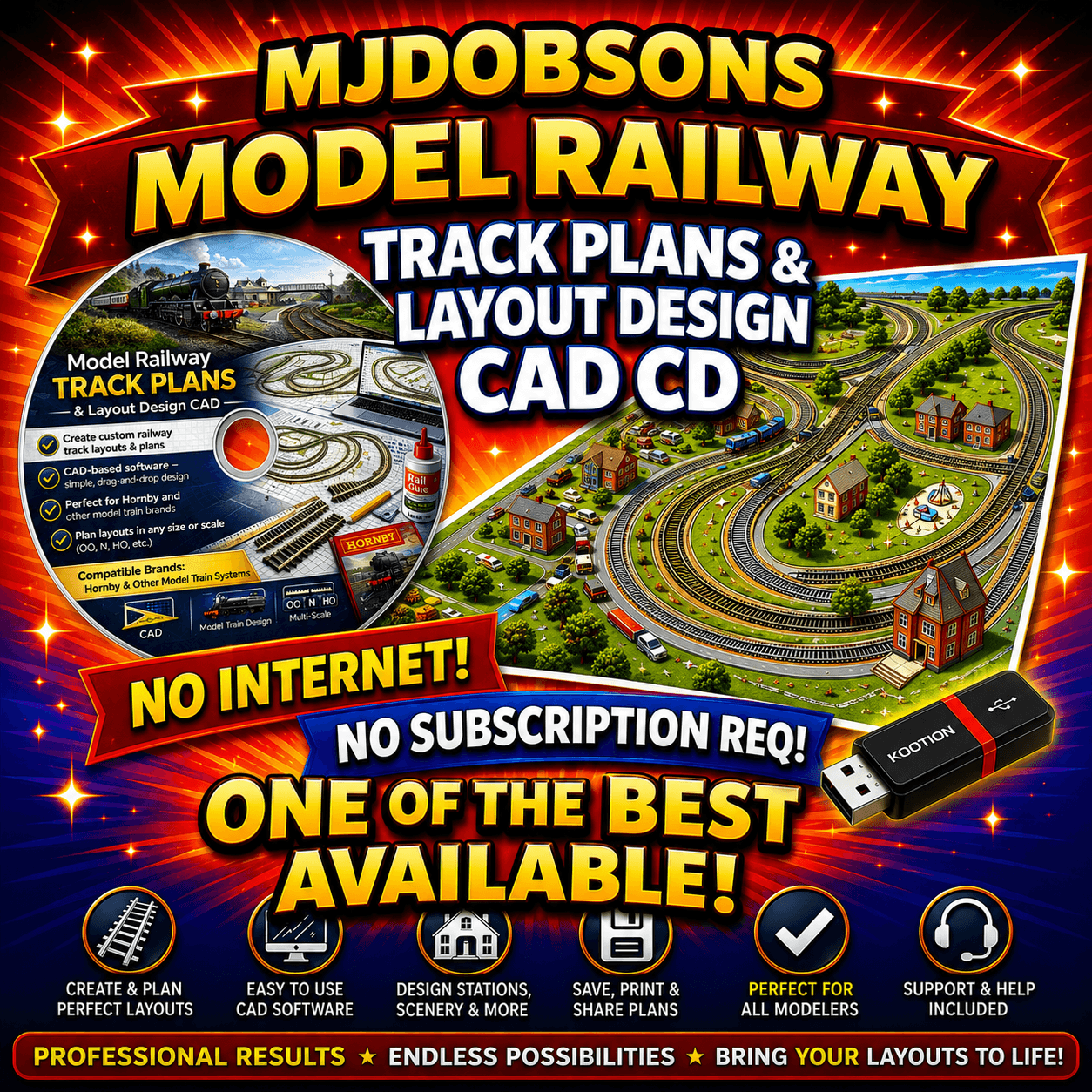
Train CAD Layouts Railway Design-Build Model Track Plans CAD Hornby OO Gauge Download
Railway Layouts – Track Design – Build Model Track Plans CAD Hornby OO Gauge Download In stock ready for dispatch Buy with confidence as we have over 10 Years Experience in Online Sales from Ebay – Amazon and…
Product details
- Buy with confidence as we have over 10 Years Experience in Online Sales from Ebay – Amazon and our Online Website
- Railway track designs immediate download
- Build and Design Model Railway Layouts
- Track Plans CAD Software Hornby OO Gauge v.
- for PCs running Windows, Mac and Linux
- Excellent picture tutorial to get you quickly up and running Create Layouts of any scale or size
- Railway Model design software with extensive features
- Libraries for many brands of track and turnouts are included Adding new components is easy
- with the built-in editor. Test your design by running trains, including picking them up and moving them with the mouse
- There is a built in help system packed with examples and helpful hints and tips.
- OVERVIEW
- Support for any scale or gauge
- On-line demonstrations, extensive help, tips and error message explanations
- Straight and curved flex-track segments
- Turnouts, crossings (and sectional track such as Atlas Snap-track)
- Parallel straight and curved tracks
- Turntables (user defined diameter and angles)
- Track circles and tangent tracks
- Two tracks either by moving the track or by adding flex-track
- Automatic easement calculation
- Tunnels (hidden tracks)
- Undo the last ten commands
- Direct manipulation of track position or dimensions from keyboard Moving and rotating any group of objects
- Drawing lines, arcs and filled shapes (for showing river edges etc.) Drawing table edges, bench work and dimension lines
- Annotation with text and notes
- On-screen ruler for measurements
- Up to 99 layers
- Important Information Please Read
- System requirements
- Confirm your Windows, macOS or Linux version
- Ensure your computer can read the supplied media
- Review the listing contents before purchase
More information
Model Railway Design Software is packed with everything you need to design your very own model railway. It has all the basics to get you started including an easy step video, or a fully feature design program that will grow with your imagination.
Below are some of the features that you can find in this software package. Designed to do just about anything and will provide you with all the tools you need to build your dream model railway. A Full set of track plans including parallel straight and curved tracks, straight and curved flex-track segments, track circles and tangent tracks etc, is included in this software.
It supports annotation with text and notes, on-screen ruler for measurements, automatic easement calculation, moving and rotating any group of objects, and also allows undo of the last ten commands.
Drawing tools include turnouts, crossings (and sectional track such as Atlas Snap track), turntables (user defined diameter and angles), drawing lines, arcs and filled shapes (for showing river edges etc.).
Other features include direct manipulation of track position or dimensions from keyboard, two tracks either by moving the track or by adding flextrack, tunnels (hidden tracks, drawing table edges, bench work and dimension lines.
The software has a train simulation, which includes picking up and moving trains with the mouse much like you can do with your hands in real life.
Printout of track plan in any scale, even full size Inventory of rolling stock Train simulation, which includes picking up and moving trains with the mouse.
Check the supported operating system, computer specification and media format stated in this listing before ordering. Features can vary between included applications.
Before ordering
- Please review the product title, description, images and compatibility information carefully.
- If compatibility is important, confirm the relevant model, size or format before purchase.