


GLOBAL SMALL BUSINESS CONTROL CENTRE
Designed for small business owners, sole traders, freelancers and online sellers who want an organised way to track income, expenses and business performance.
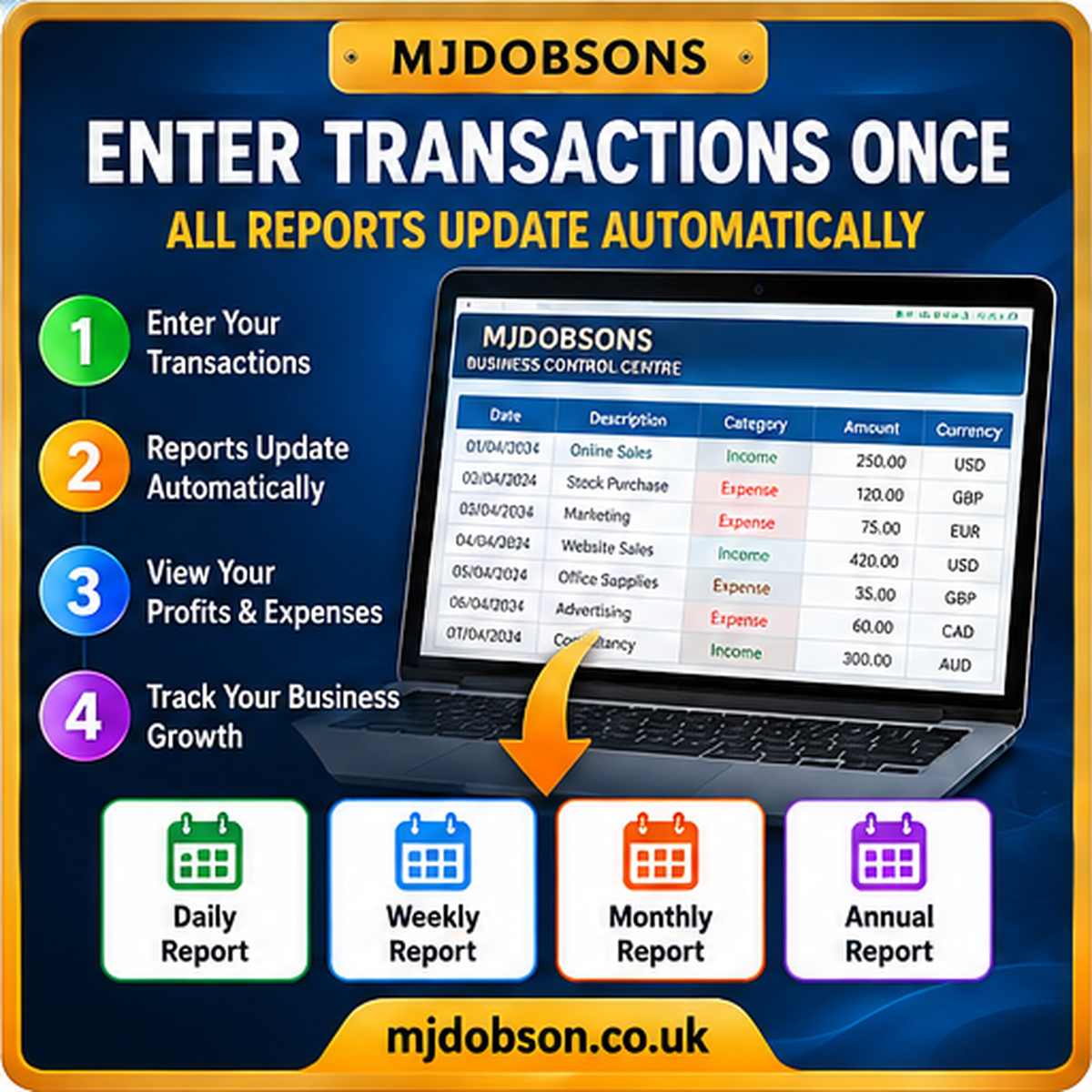
Record transactions in one central worksheet and review connected daily, weekly, monthly and annual financial reports.
WHAT CAN THIS SPREADSHEET DO?
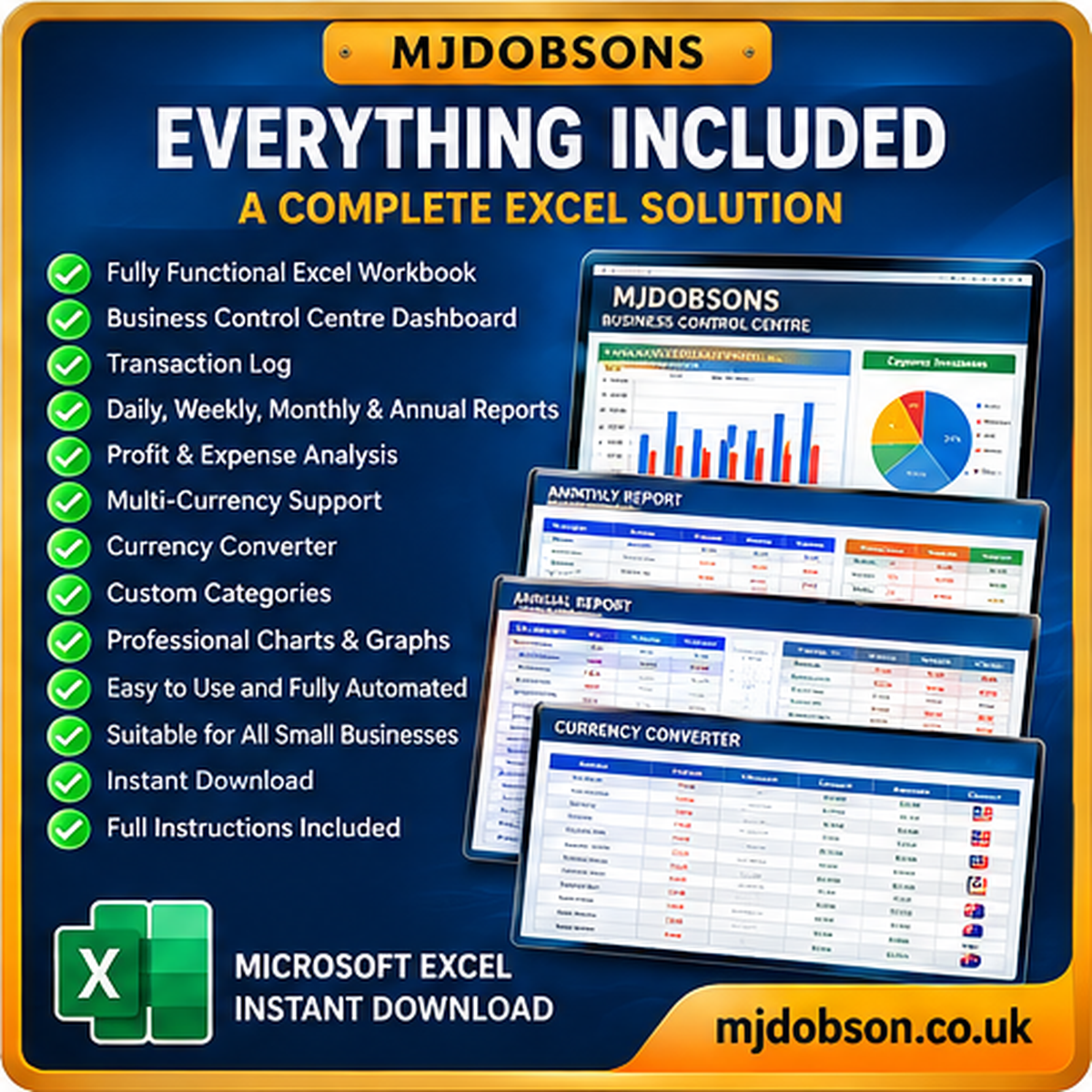
✔ Track daily business sales and expenses.
✔ Calculate income, costs and operating profit.
✔ Review weekly business performance.
✔ Compare monthly income and expenses.
✔ Monitor annual business results.
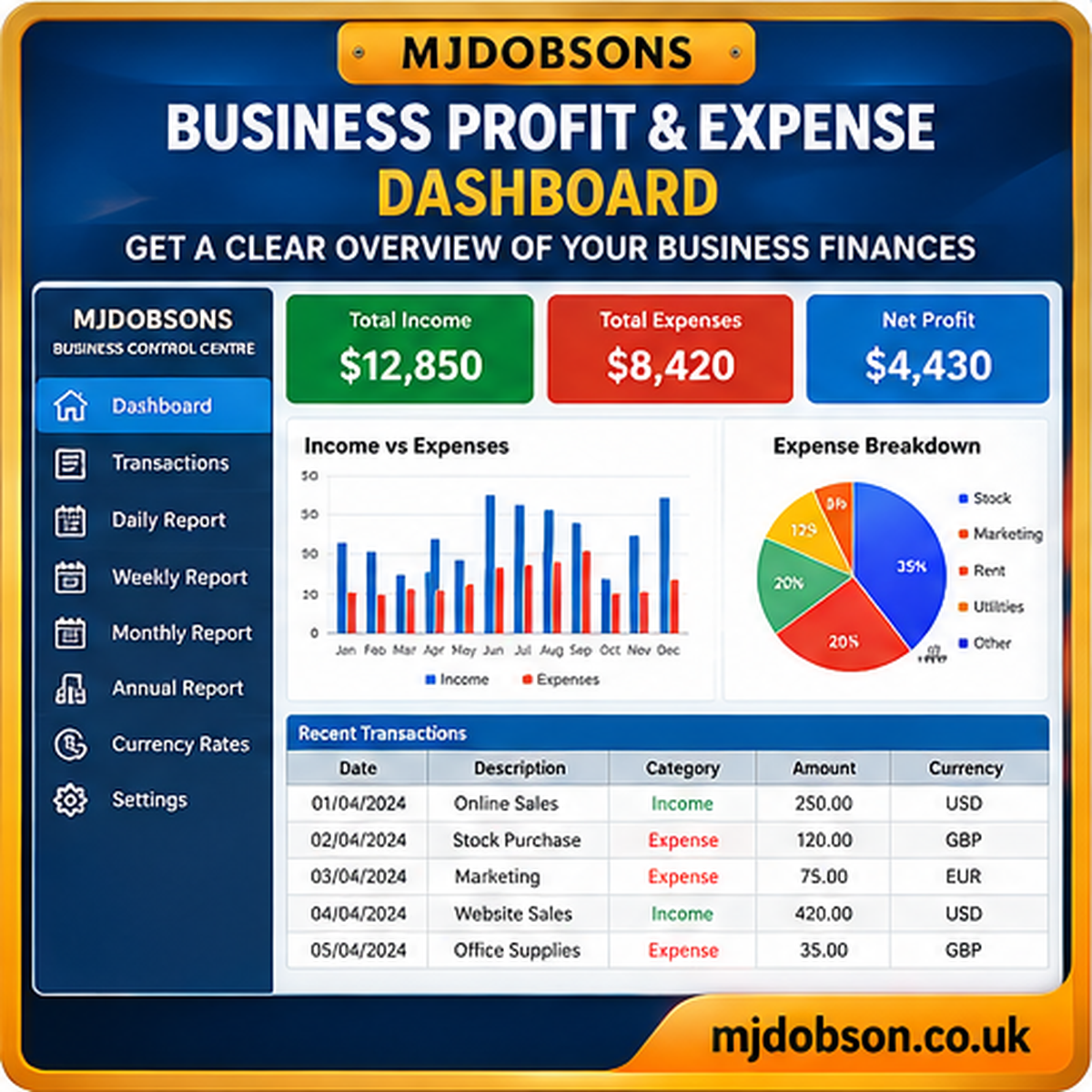
✔ View financial figures using a business dashboard.
✔ Record transactions in multiple currencies.
✔ Convert amounts into a selected reporting currency.
✔ Organise sales by business channel.
✔ Enter optional tax and VAT information.
✔ Maintain editable exchange rates.
✔ Practise with a separate example workbook.
✔ Follow the included beginner’s guide and user manual.
MULTI-CURRENCY SUPPORT – 8 CURRENCIES
USD ($) – US Dollar
GBP (£) – British Pound
EUR (€) – Euro
CAD (C$) – Canadian Dollar
AUD (A$) – Australian Dollar
NZD (NZ$) – New Zealand Dollar
CHF – Swiss Franc
JPY (¥) – Japanese Yen
Choose your preferred reporting currency and enter transactions in different supported currencies.
The spreadsheet uses editable exchange rates for currency conversion. Exchange rates must be maintained manually and are not updated live.
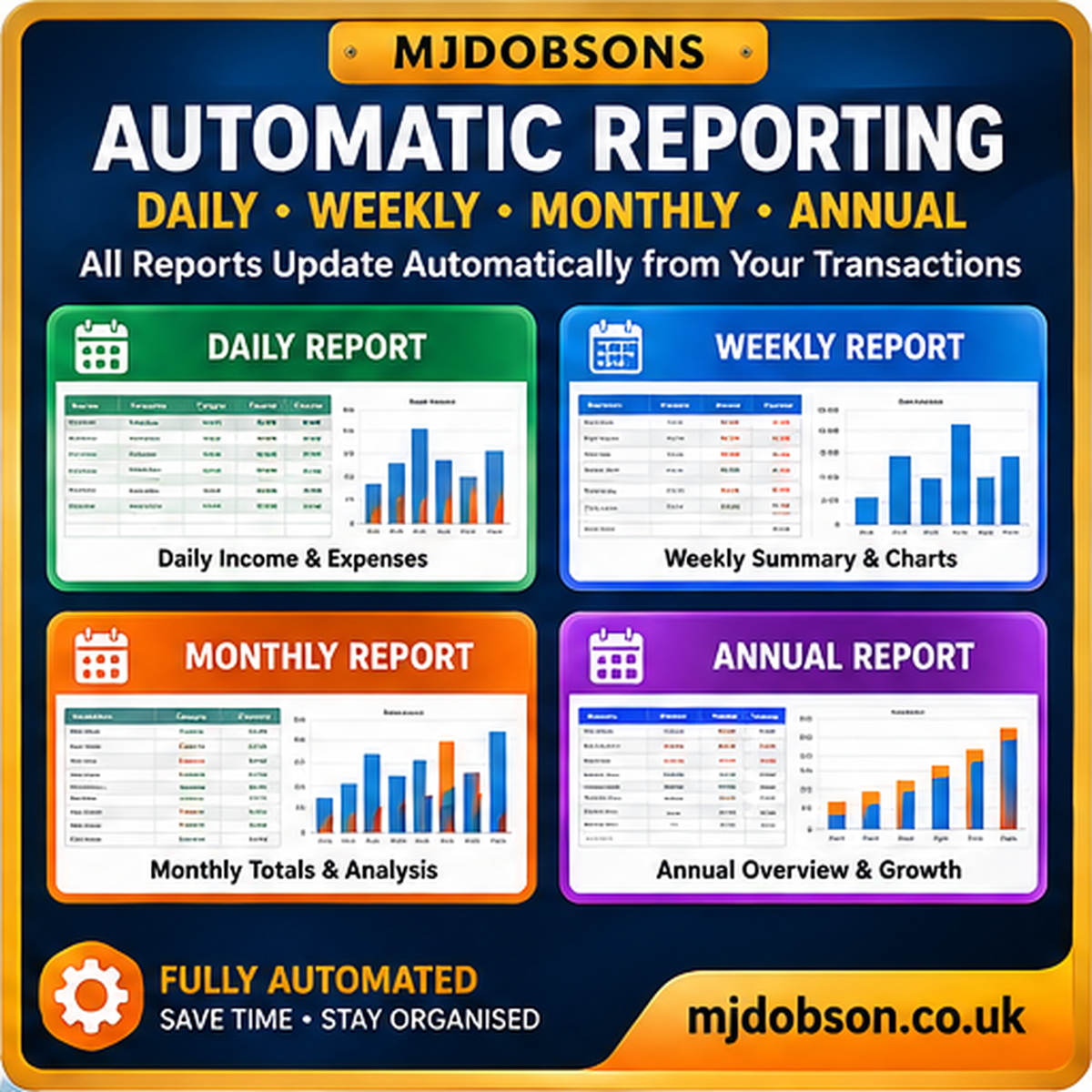
AUTOMATIC DAILY, WEEKLY, MONTHLY & ANNUAL REPORTS
DAILY REPORTS: Review sales, expenses and operating profit for a selected day.
WEEKLY REPORTS: Track business performance across each reporting week.
MONTHLY REPORTS: Compare income, costs and profit across the year.
ANNUAL REPORTS: Review yearly financial performance.
BUSINESS DASHBOARD: View important financial figures and charts together.
The reports use information from the central transaction register, helping reduce repeated data entry.
TRACK MULTIPLE SALES CHANNELS
Organise income and expenses from online shops, marketplaces, retail activities, freelance work and other business operations.
The workbook supports sales-channel categories including online marketplaces, website sales, retail and services.
This is a manual-entry spreadsheet. It does not automatically connect to selling platforms or import live transactions.
FOUR DIGITAL FILES INCLUDED
EASY TO GET STARTED
STEP 1: Download and save the supplied files.
STEP 2: Open the Beginner’s Quick Start Guide.
STEP 3: Open the main Excel workbook.
STEP 4: Follow the START HERE instructions.
STEP 5: Enter your business name, reporting year and preferred currency.
STEP 6: Record sales and expenses in the Transactions worksheet.
STEP 7: Review the connected financial reports and dashboard.
Use the practice workbook first if you would like to become familiar with the features before entering real business information.
WHO IS THIS SPREADSHEET FOR?
✔ Small business owners and sole traders.
✔ Self-employed people and freelancers.
✔ Online shop owners.
✔ Home-based businesses.
✔ Craft and creative businesses.
✔ International sellers working with multiple currencies.
✔ People who prefer Excel to a monthly business software subscription.
PRODUCT SPECIFICATIONS
| Product | MJDOBSONS Global Small Business Control Centre |
| Delivery format | Digital download |
| Files included | 2 Excel workbooks + 2 PDF guides |
| Spreadsheet format | XLSX |
| Reporting | Daily, Weekly, Monthly and Annual |
| Currencies | 8 supported currencies |
| Language | English |
| Subscription | No MJDOBSONS subscription required |
Microsoft Excel is recommended for the intended spreadsheet functionality. A separate Excel licence or subscription may be required. A PDF reader is needed for the guides.
Compatibility with Google Sheets, LibreOffice or other spreadsheet applications is not guaranteed.
IMPORTANT FINANCIAL INFORMATION
This spreadsheet is designed for business organisation, bookkeeping support and management reporting. It is not certified accounting, payroll or tax-filing software.
It does not automatically submit tax returns to HMRC, the IRS or other tax authorities.
Users remain responsible for checking entered transactions, exchange rates, tax treatment and financial reports. Keep regular backups of your business files.
CUSTOMER SUPPORT
If you need help getting started or have questions about the supplied files, please contact MJDOBSONS using the contact information on our website.
Your purchase is subject to our website’s applicable terms and your statutory consumer rights.





Reviews
There are no reviews yet.