

Laptop Repair, Data Recovery, Password Restore and Software USB
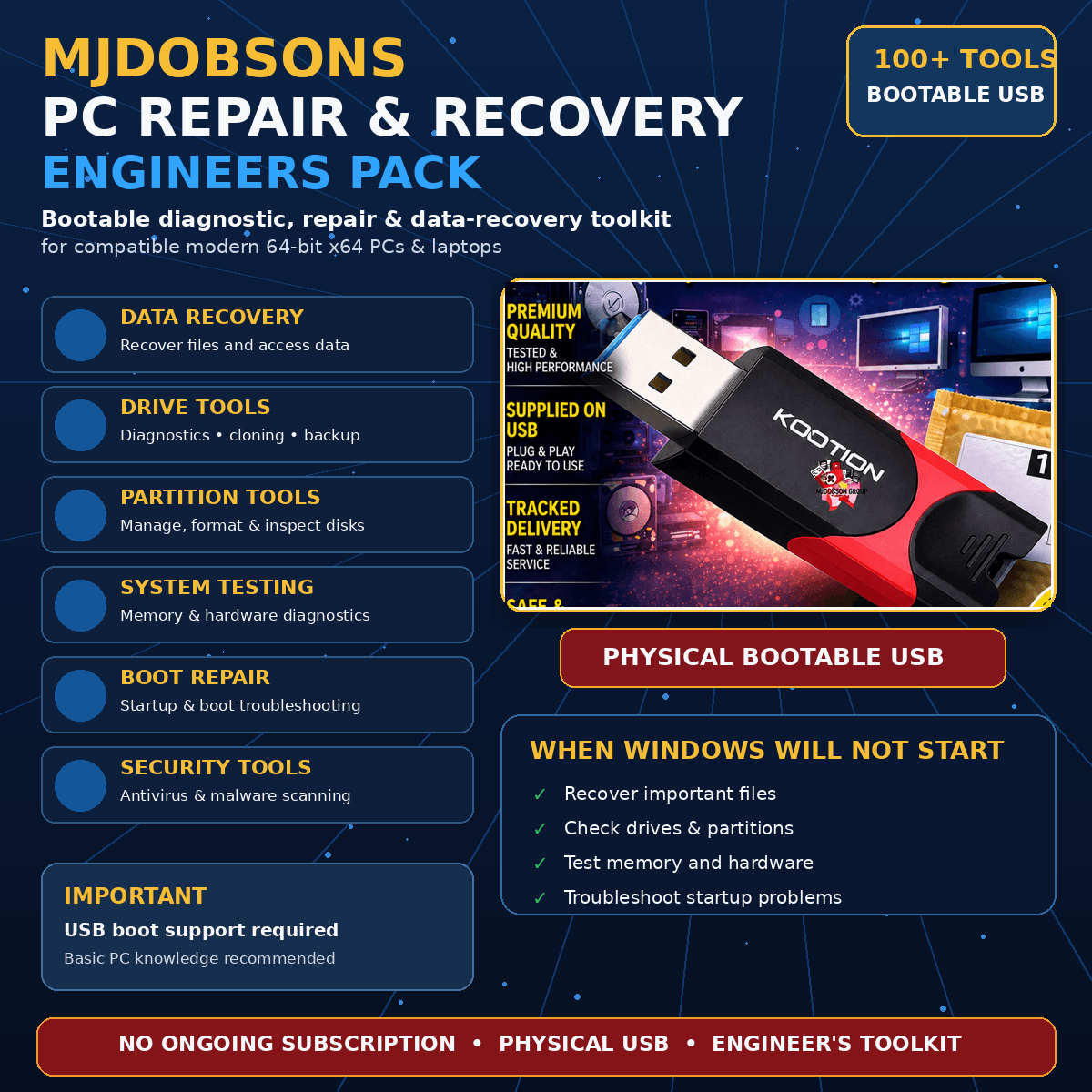
This bootable USB provides a self-contained collection of Windows repair, data recovery, password restoration, driver and diagnostic tools. It does not require activation or installation. The listing describes over 100 utilities and tools on one bootable USB, and also refers to a larger collection containing over 250 programmes.
What it can help with
- Recovering files, deleted data and photos, including from damaged drives.
- Troubleshooting Windows systems that have slowed down, crash or will not boot.
- Scanning for and removing viruses, trojans, rootkits, spyware, adware and other malicious software.
- Repairing registry, file, start-up, process, driver, boot-sector and internet connection problems.
- Backing up files, folders, registries, hard drives and partitions.
- Cloning hard drives and copying data.
- Managing, creating, editing, mounting and troubleshooting partitions.
- Testing CPU, video, disk, memory, storage, USB, flash and system speed.
- Recovering Windows administrator passwords, Windows product keys and wireless network keys.
- Deleting or wiping files, including to Government Standards, and returning a drive to factory condition.
Included tool categories
- Antivirus tools: Scan for and remove viruses, trojans, rootkits and other malicious software.
- Backup and recovery tools: Back up files, folders, registries, hard drives and partitions, and recover accidentally deleted files.
- BIOS and CMOS tools: View information, edit settings and remove BIOS passwords.
- Browsers and file managers: Search, view, browse, compare and clone files.
- Cleaners: Remove unwanted files, junk files, cookies, cache, duplicate files, unwanted software, antivirus applications and other system clutter.
- Device driver tools: Identify, download and manage drivers.
- Editors and viewers: Inspect and edit files in a variety of formats.
- File system tools: View, copy and delete data, including support for NTFS drives.
- Hard disk tools: Monitor, diagnose, tune, benchmark, edit and format hard disks.
- MBR tools: Diagnose and repair errors such as “Invalid System Disk”, and view, manipulate and troubleshoot the boot sector.
- MS-DOS tools: A collection of MS-DOS tools is included.
- Network tools: Repair internet connections and scan and monitor LAN and wireless networks.
- Optimisers and tweakers: Defragment and optimise the hard drive, registry, memory settings, system files, autorun, file types, codecs, updates, Windows services and other system properties.
- Partition tools: Create, delete, edit, mount and manage disk partitions.
- Process and registry tools: Diagnose and repair Windows process errors, including missing or invalid DLL files, and scan, clean and repair registry issues.
- Remote control tools: Access remote computers.
- Security and encryption tools: Encrypt disks and files.
- Start-up tools: Manage and remove unwanted programmes that load when Windows starts.
- System information tools: Report and monitor information about the CPU, hard drive, devices, battery and power, and scan mini-dump files for BSOD crash information.
- Testing tools: Test system hardware, including the CPU, video, disk, memory, storage, USB, flash and speed.
How the bootable USB works
Insert the USB, restart the computer and choose to boot from the USB drive. The preinstallation environment will load a safe Windows desktop where you can diagnose problems involving connectivity, driver failure and other computer malfunctions. The graphical interface is designed to feel like Windows, and the menu provides access to the included utilities.
The USB can boot a desktop or laptop, access files on the hard drive, rescue and restore XP, Vista and Windows systems, help with fast recovery from Windows crashes, scan and repair viruses, remove junk and temporary files, clean and repair the registry, optimise Windows and memory settings, increase internet connection speed, back up files or folders and recover data after a rebuild. It can also help diagnose hard drive failure, virus infections, partitioning issues, driver failure, intermittent internet connections, password problems and other computer issues.
Compatibility and supported systems
The listing states compatibility with Windows XP, Windows Vista, Windows 7, Windows 8, Windows 8.1, Windows 10 and Windows 11. It is intended for modern 64-bit (x64) Windows-based laptops and PCs with 2GB of RAM upwards. The USB is described as working on ACER, DELL, HP, TOSHIBA, Hewlett Packard, ASUS, Lenovo and Sony systems, and the supplied media is also stated to support models from HP, Toshiba, Compaq, IBM, Sony, Acer and Advent.
Your computer must be able to boot from USB. You may need to check the UEFI or BIOS settings and place the bootable USB drive first in the boot order. Check the computer manufacturer’s website for instructions. Confirm your operating system, computer specification and supplied media or download format before ordering. The listing also advises checking your Windows, macOS or Linux version and ensuring that your computer can read the supplied media or download format. Features can vary between included applications.
Important information
Only purchase this product if you are confident using different tools to try to repair Windows computers. PC repair can be complex and tedious, so research any unfamiliar utility before use. These tools are intended to help when a computer is experiencing problems, particularly when Windows will not boot, but they are not a substitute for backing up your data.
This is described as an emergency diagnostic boot USB and an all-in-one bootable rescue solution for Windows PCs, laptops and server technicians. It includes tools for password recovery, system diagnostics, system information, performance benchmarking, RAM testing, antivirus scanning, backup and recovery, disk partitioning, disk cloning, hard disk management, MBR repair and other diagnostics. The seller states that they have been building and repairing computers for over 30 years and considers this USB one of the main tools in their toolbox.