
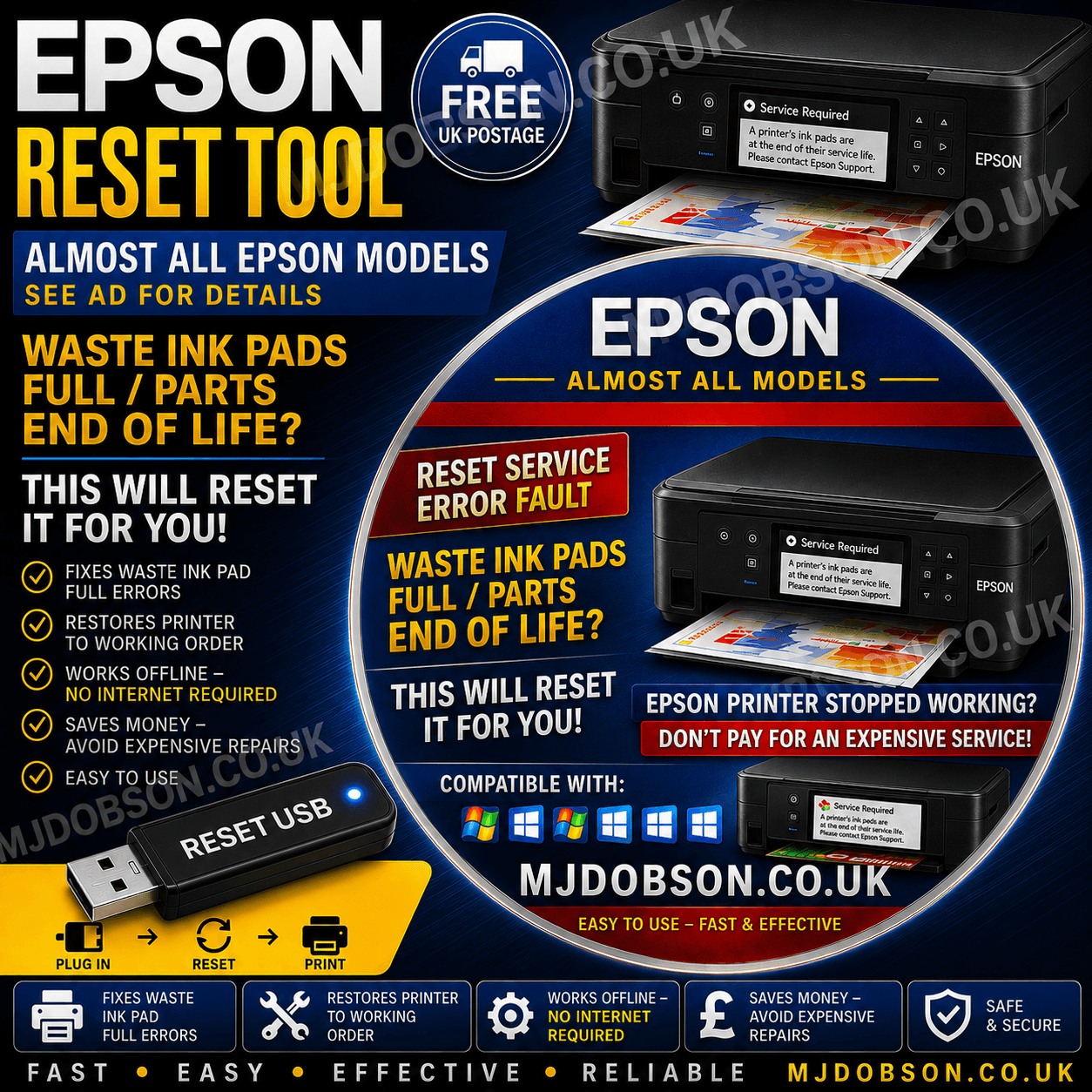


Epson Ultimate End of Life Waste Ink Reset Engineers DVD
What is Epson End of Life Waste Reset?
The Epson End of Life Waste Reset is a reliable and efficient solution designed to extend the lifespan of your Epson printer. When your device reaches its “end of life” due to waste ink pad saturation, this reset tool can help you bypass unnecessary replacements and restore optimal functionality. Whether you’re an individual or a business, our innovative reset ensures operational continuity without breaking the bank.
Why Choose Epson End of Life Waste Reset?
Printers are indispensable for households and businesses alike, but recurring issues with waste ink pads can lead to costly repairs or replacements. The Epson End of Life Waste Reset is tailored to address this problem, offering a cost-effective and environmentally conscious way to maintain your printer. This tool empowers users to independently reset waste ink counters, eliminating downtime and allowing you to make the most of your printer investment.
Key benefits include:
- Cost-effective solution to avoid replacing the entire printer.
- Simple, user-friendly interface for effortless operation.
- Eco-friendly choice that minimizes electronic waste.
- Compatibility with various Epson printer models.
How Does Epson End of Life Waste Reset Work?
Using the Epson End of Life Waste Reset is simple and straightforward. After reaching its waste ink pad saturation limit, your printer may display a warning or stop functioning. Instead of sending it off for expensive repairs, you can resolve the issue at home with this tool. Simply follow the included step-by-step instructions to reset the printer’s waste ink counter. This process ensures your printer is back in action with no compromise on quality or reliability.
Compatibility with a wide range of Epson models makes this a versatile solution for users worldwide.
Don’t let your printer’s “end of life” message dictate its fate. Restore functionality, save money, and reduce environmental impact with the Epson End of Life Waste Reset.
Supported Printers
SUPPORTED MODELS LIST (V 5.59):
Canon printers
ME Office: ME-1, ME-2, ME-10, ME-20, ME-30, ME-32, ME-35, ME-70, ME-80W, ME-82WD, ME-100, ME-101, ME-200, ME-300, ME-301, ME-303, ME-320, ME-330, ME-340, ME-360, ME-400, ME-401, ME-510, ME-520, ME-530, ME-535, ME-560W, ME-570, ME-600F, ME-620F, ME-650FN, ME-700, ME-900WD, ME-940FW, ME-960FWD, ME-1100
PM: PM-3500C, PM-4000px, PM-G800, PM-G4500, PM-G5000, PM-A820, PM-A840, PM-A840S, PM-A870, PM-A890, PM-A900, PM-A940, PM-A970, PM-D770, PM-D800, PM-D870, PM-G850, PM-G860, PM-G4500, PM-G5000, PM-T960, PM-T990
Check your printer model
Please confirm that the exact printer model and operating system are covered by this listing before ordering. Reset utilities are model-specific and do not repair mechanical faults.
- Match the complete printer model number
- Check the stated computer requirements
- Ask for compatibility help before purchase if unsure